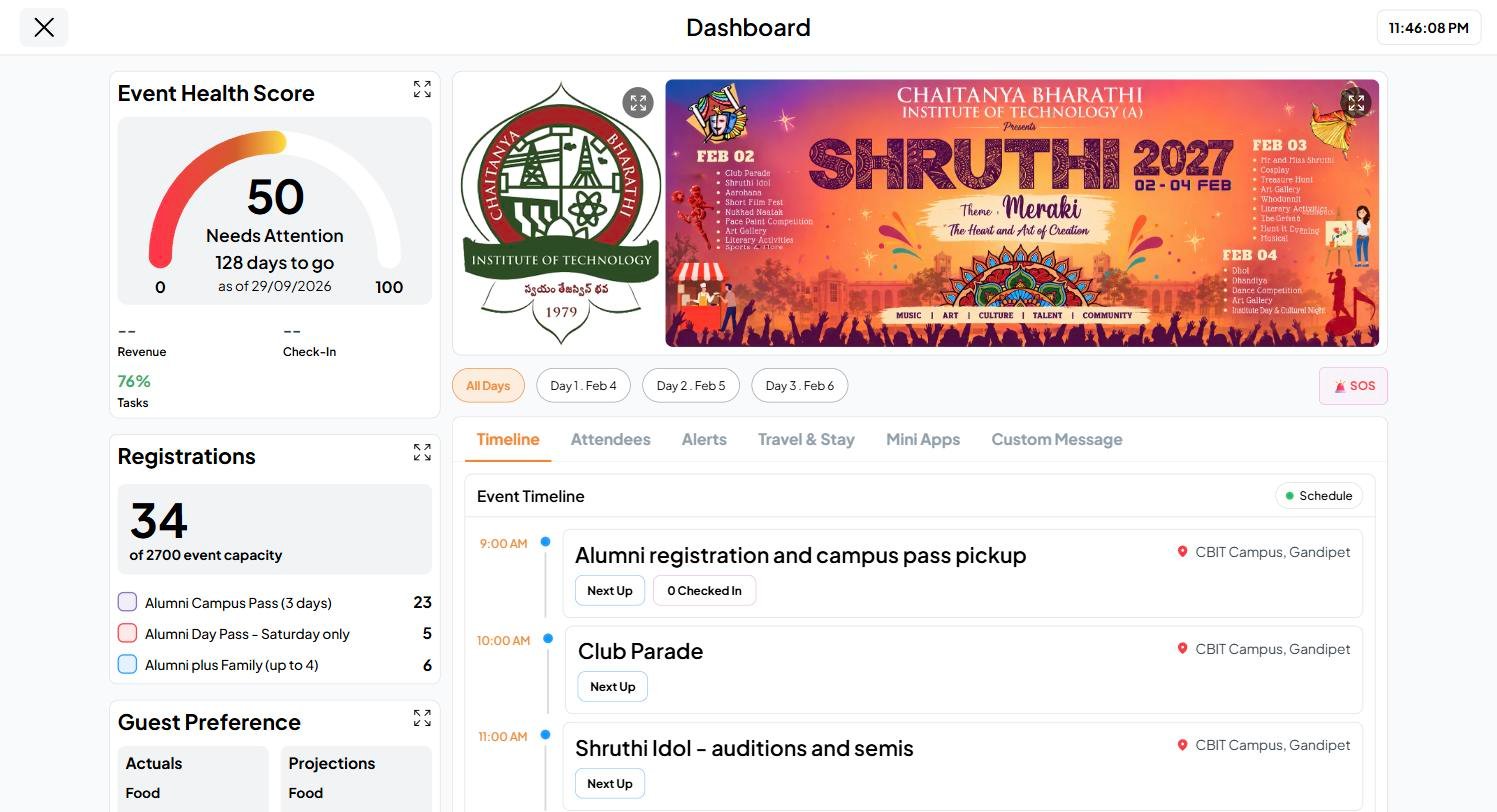
The Event Dashboard is for hosts and co-hosts only. Guests never see it. For now it’s available on the web only at app.fastparty.ai, and works best on a desktop or laptop. It isn’t in the mobile app yet.
The left column: how the event is doing
Click the expand icon on any panel for the full view.
Share your numbers with your caterer
On Guest RSVP’d and Guest Preference, add your own estimate under Projections: how many you expect, and what they’re likely to eat and drink. Then click the share button next to the panel. It makes a PDF you can send to your caterer.Multi-day events
For an event that runs over several days, filter the whole dashboard by All Days or a single day, such as Day 1. The Timeline then shows that day’s activities.The tabs
Event Health Score
The score is a number from 0 to 100 that shows how ready your event is.How it’s worked out
1
Each area gets its own score
Every area starts at 100 and loses points for what’s still open:
A Registration Event looks at Revenue (collected against your target), Check-In (checked in against approved), Tasks and Vendors instead.
2
Open items count for more as the day gets closer
The same open items cost more points as the event approaches. Ten pending replies matter more the week before than a month out.
3
The areas are averaged
The areas are combined into one score, with tasks and replies counting most. An area your event doesn’t use is left out, so an event with no vendors isn’t marked down for it.
What the status means
The score refreshes every few minutes, and only when something on the event changes.
Travel & Stay
What guests share in Travel & Stay comes together on this tab:Event broadcast
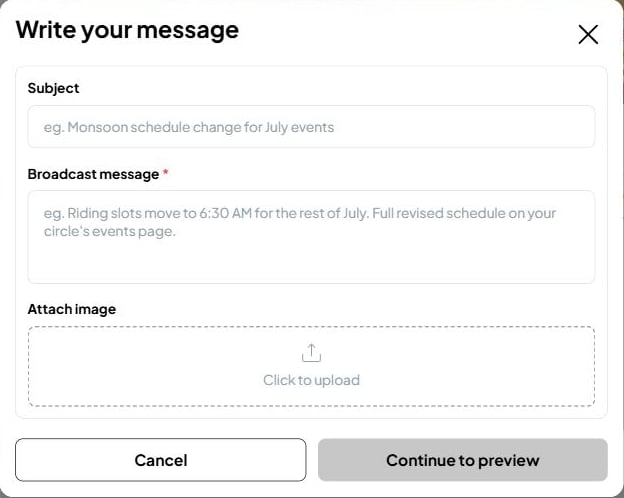
On the Custom Message tab, click Send Broadcast to message everyone on the event at once: a change of plan, a reminder of what to bring, or a thank-you afterward.