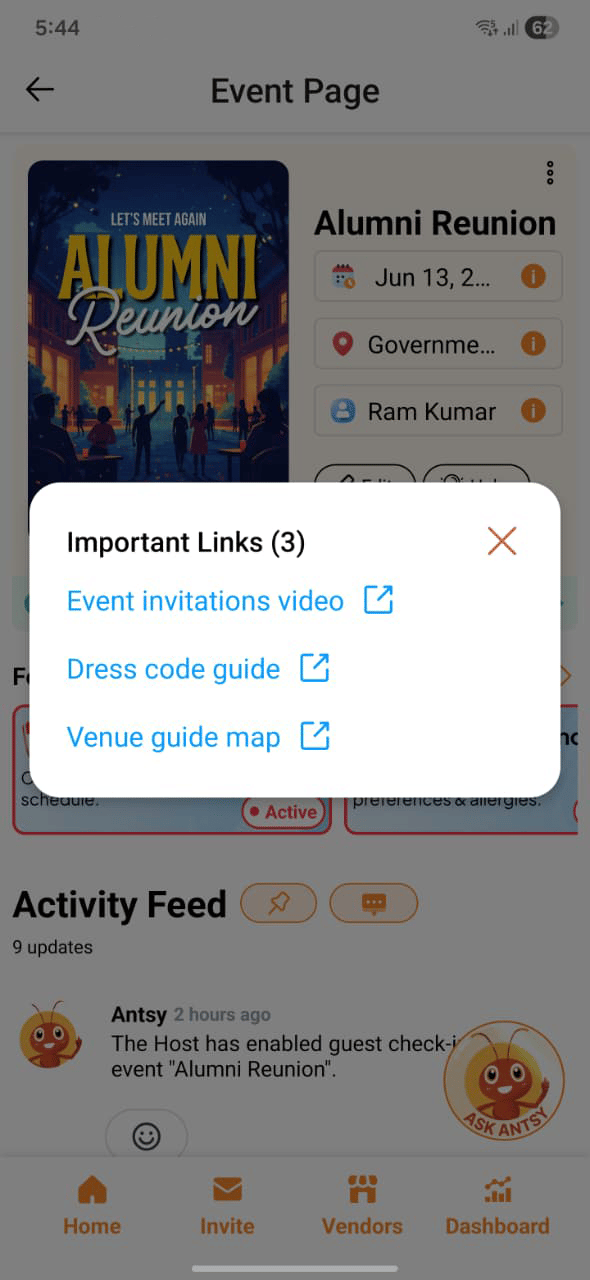
Event Links let you attach up to 3 external URLs to your event, each with a custom label. They appear on the event invitation page so guests can access them directly.
Adding links
Links are added when you create or edit your event. For each link, enter:
- Label — a short name that tells guests what the link is (e.g. “Directions”, “Dress Code”, “Wedding Website”)
- URL — the full web address
You can add up to 3 links per event.
Where links appear
Once added, your links are displayed on the event invitation page — the page guests see when they open their RSVP link. Guests can tap or click any link directly from there.
Common uses
Use descriptive labels so guests immediately know what they’re clicking. “Venue Map” is clearer than “Link 1.”