

On the day, and after. Worth turning on for every event: afterwards, everyone wants the pictures. All event tools →
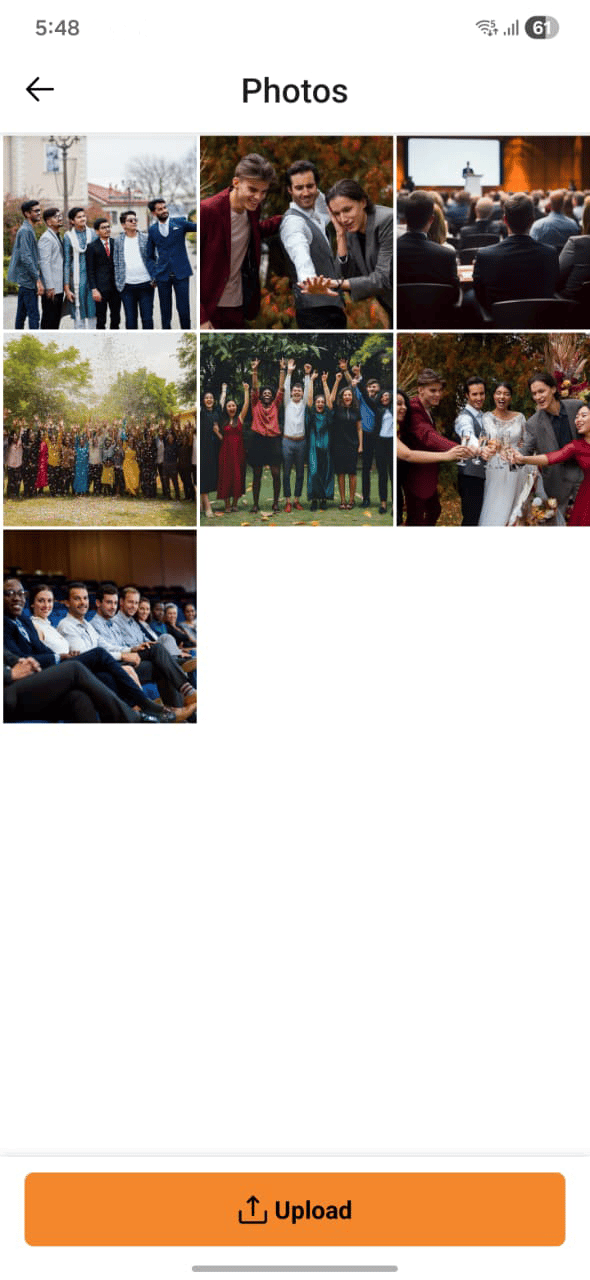
Photo albums
Photos are organized into albums. Browse by album type:Viewing photos
Open your event and go to the Photos tab to see all photos for that event. Photos from the host and guests are shown together, and you can filter by album type.Adding photos
Tap Add Photos and select images from your device. Your photos are added to the event album and visible to other guests.Adding photos to Favorites
Tap the heart icon on any photo to add it to your Favorites album. Favorites are personal — other guests don’t see which photos you’ve added.Deleting photos
You can delete photos you’ve uploaded. Deleted photos move to the Deleted album and can be recovered for a limited period before they’re permanently removed.You can only delete photos that you uploaded. Hosts can manage photos across the full event album.