

How people join
Click Add Members on the circle page and enter each person’s phone number or email. They get an invitation on WhatsApp or email. The member list has three views:
Members don’t need the app. They can accept and take part from the link on the web.
In an organization, people join the organization once and can then be placed in any of its circles without a new invitation. Circles in an organization →
Roles
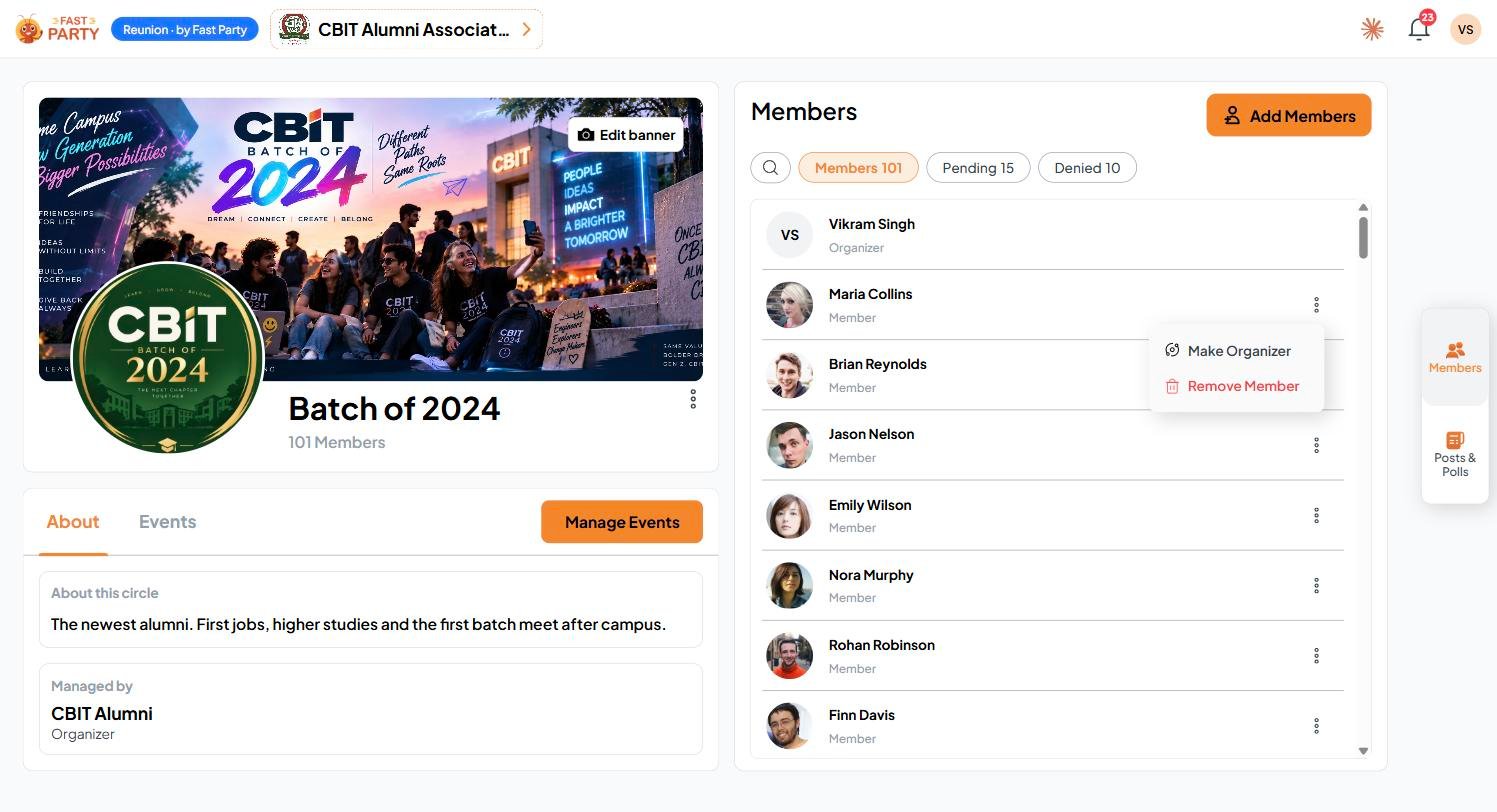
Open the ⋮ menu next to a member to Make Organizer or Remove Member. Removing someone doesn’t affect events they’ve already been invited to.