

1
Click Create Circle
On your Home page, under My Circles, click Create Circle.
2
Fill in the details
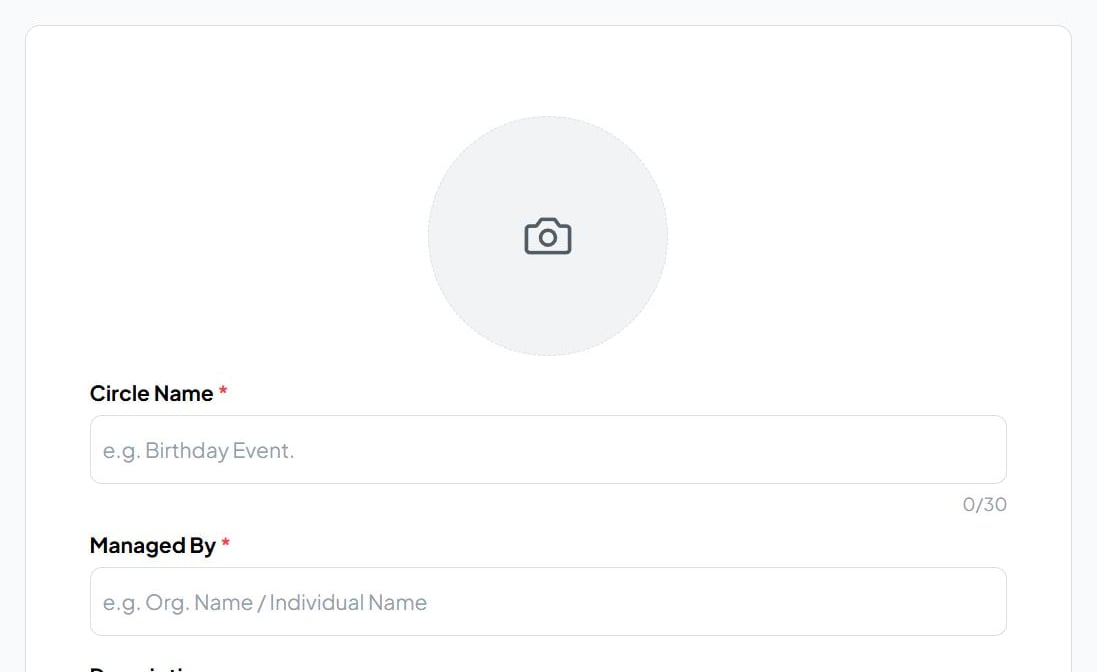
Click Create Circle.
3
Add a banner
On the circle page, click Edit banner to add a wide image across the top. Upload your own, or generate one with AI.
4
Add members
Click Add Members and enter each person’s phone number or email. They’re sent an invitation on WhatsApp or email to join. Members →
Change it later
Open the ⋮ menu next to the circle’s name:What’s next
Create an event in the circle
Invite the whole circle in one step.
Start a poll
The quickest way to get the group talking.